Did you know you are now able to use the SmartClub app to turn on the floodlights? It’s very simple, here’s how…
If you do not already have the SmartClub app installed, get it from the Google Playstore or Apple Store.
You will need to have enough credit on your SmartCard for this to work of course.
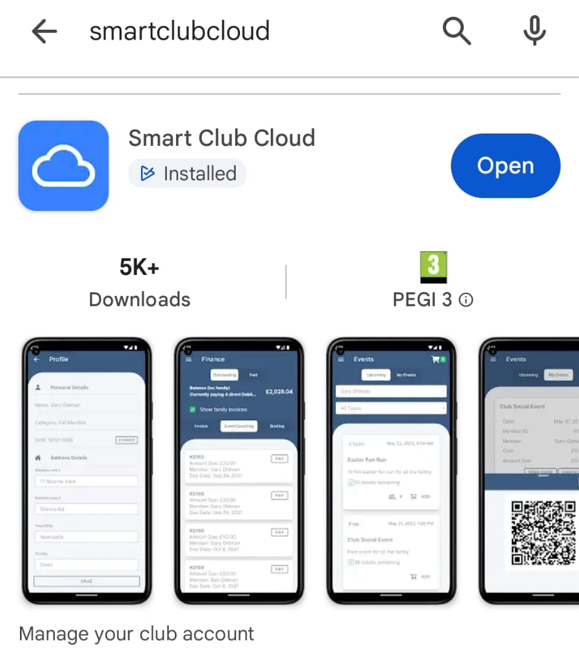
Search for “smartclubcloud”.
Select the Lighting option

Select the court and the quantity (number of 15 minute intervals). So quantity 4 gives you 1 hour. Press Activate Lights

The lights will turn on in a few seconds. It’s as simple as that!
We would like to remind members that due to planning permission restrictions, the floodlights on courts 1 and 2 must be turned off at 10pm and on courts 4-9, they must be turned off at 10.30pm. If you have inadvertently switched the lights on beyond those times, please use the big red switch to turn them off when you are leaving the court.